Understanding Digital Planners For iPad
What Is a Digital Planner?
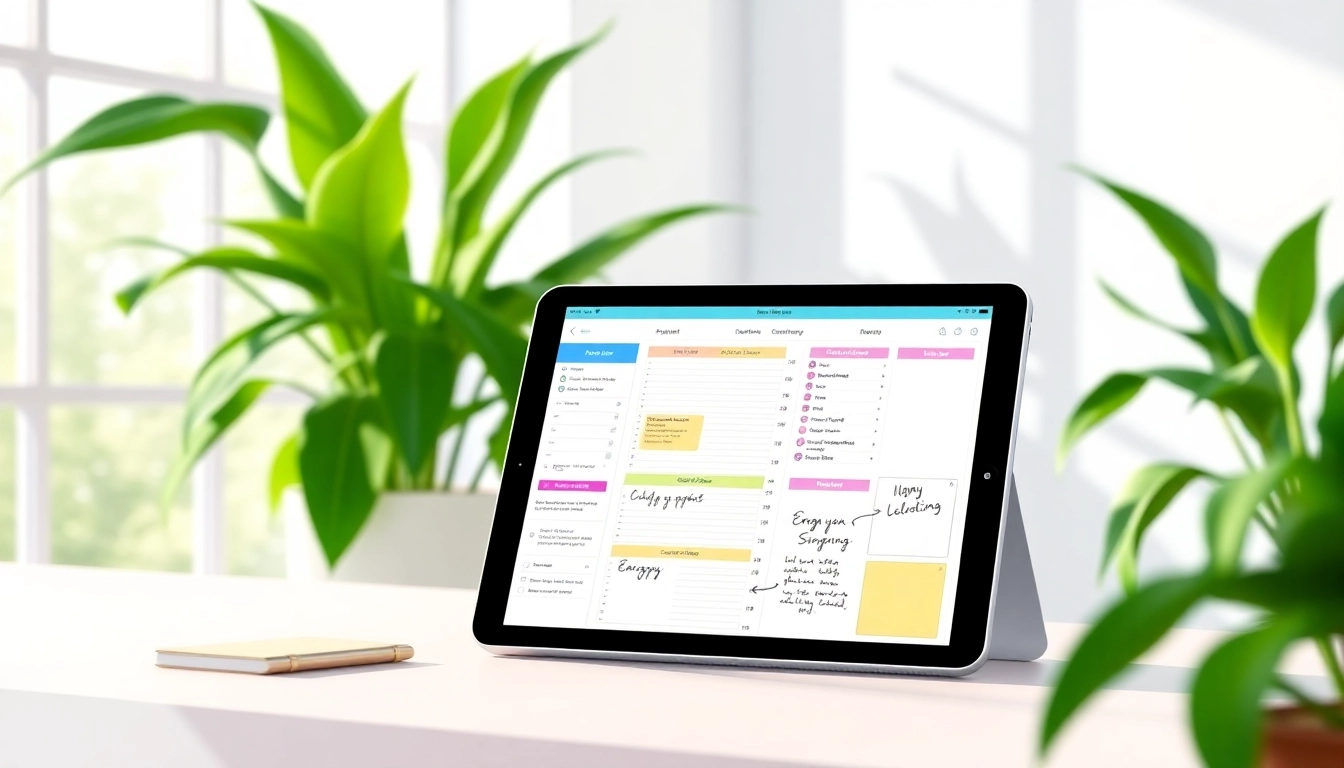
A digital planner is an electronic tool designed for organization and time management that can be used on devices such as tablets and smartphones. Unlike traditional planners, these planners feature interactive elements that allow users to write, draw, and modify their plans using stylus pens like the Apple Pencil or their fingers. Digital planners are often available in various formats compatible with note-taking applications, making them efficient and user-friendly. They help in setting goals, tracking tasks, managing schedules, and promoting productivity.
Benefits of Using Digital Planners For iPad
The benefits of utilizing Digital Planners For iPad are manifold:
- Eco-Friendly: Digital planners eliminate the need for paper, reducing waste and promoting sustainable practices.
- Editability: Users can easily erase or move elements without the mess of traditional erasing tools.
- Accessibility: Digital planners are portable and accessible from anywhere, allowing users to sync across multiple devices.
- Features: Many come with added functionalities such as reminders, color coding, and hyperlinks to enhance organization.
- Integration: They can integrate seamlessly with other digital tools, synchronizing with calendars and task management apps.
How Digital Planners For iPad Compare to Traditional Planners
When comparing digital planners to their traditional counterparts, significant differences emerge:
- User Experience: Digital planners offer an interactive experience with multiple functionalities, making planning more engaging.
- Customization: Users can personalize their planners with diverse templates and designs, which is more limited in paper planners.
- Cost-Effectiveness: While paper planners require recurring purchases, digital planners can be a one-time investment or a subscription-based service.
- Backup & Security: Digital planners can be backed up to cloud services, ensuring that users' information is secure and retrievable.
Choosing the Right Digital Planner For iPad
Key Features to Look For
When selecting a digital planner for iPad, consider these essential features:
- Compatibility: Ensure the planner works with your preferred note-taking app (Goodnotes, Notability, etc.).
- User Interface: Look for an intuitive design that makes it easy to navigate and operate.
- Hyperlinks & Navigation: Planners with hyperlinked elements allow for quick jumping between sections and dates.
- Customization: Check if the planner allows for personal adjustments in terms of layout and aesthetics.
- Task Management: Features like to-do lists, deadlines, and reminders enhance productivity effectiveness.
Popular Styles and Templates
Digital planners come in various styles that cater to different preferences. Some popular styles include:
- Daily Planners: Focus on hour-by-hour task management.
- Weekly Planners: Offer a broader overview of the week, ideal for long-term task scheduling.
- Academic Planners: Designed for students, including class schedules and assignment tracking.
- Bullet Journals: A creative planner style allowing for doodling, note-taking, and freeform organization.
Customization Options for Maximum Utility
Customization is a significant aspect of digital planners. Users can typically adjust colors, layouts, and even add stickers or images. Many planners also allow for the combination of multiple templates, so you can create a planner that works uniquely for you. Furthermore, features like tagging and categorizing facilitate better organization.
Getting Started With Digital Planners For iPad
Best Apps to Use
Several applications allow access to robust digital planners. Some widely used apps include:
- Goodnotes: Known for its exceptional handwriting recognition and flexibility.
- Notability: Ideal for note-taking and integrating audio recordings with notes.
- Xodo: A comprehensive app that offers PDF editing and annotation features.
- Microsoft OneNote: An all-in-one note-taking app that can serve as a planner with added functionalities.
Setting Up Your Planner
Once you've chosen a digital planner, setting it up efficiently is crucial. Start by importing the planner template into your preferred app. Customize it according to your personal preferences, such as color schemes and arrangements of sections. Link different parts of the planner (monthly, weekly, daily) for easy navigation. Be sure to include important dates, deadlines, and goals directly into your planner for streamlined access.
Integrating Your Digital Planner With Other Tools
Integration with other tools can enhance the utility of your digital planner significantly. Here’s how to do so:
- Link to Calendar: Sync your planner with a calendar app for automatic updates on events and deadlines.
- Utilize Reminder Features: Set notifications for upcoming tasks, ensuring you never miss a deadline.
- Collaboration Tools: Use collaboration features in apps to share your planner with others if you're working in teams.
Maximizing Productivity with Digital Planners For iPad
Time Management Tips
To maximize productivity using digital planners, consider these time management strategies:
- Prioritize Tasks: Use a priority system to distinguish essential tasks from those that can be deferred.
- Daily Goals: Set realistic daily goals to maintain focus and momentum.
- Time Blocking: Allocate specific times for different tasks to overcome procrastination.
Goal Setting Strategies
Effective goal setting is crucial for maintaining motivation:
- SMART Goals: Create Specific, Measurable, Achievable, Relevant, and Time-bound goals to guide your planning.
- Vision Boards: Incorporate a vision board within your planner to visualize and manifest your aspirations.
- Regular Reviews: Set aside time weekly or monthly to review your progress and adjust plans accordingly.
Tracking Progress and Staying Motivated
Keeping track of the progress can keep motivation levels high:
- Progress Checklists: Incorporate checklists to monitor accomplishments and stay motivated.
- Reflective Journaling: Add reflective spaces in your planner where you can jot down what worked well and what didn’t.
- Accountability Partners: Partner with someone who can keep you accountable for achieving your goals.
FAQs about Digital Planners For iPad
Can you use an iPad as a digital planner?
Yes, an iPad is an excellent platform for digital planning, allowing for various apps that support task management and note-taking.
Are digital planners customizable?
Most digital planners offer customization options, allowing you to tailor layouts, colors, and templates to suit your needs.
Do I need special software to use digital planners?
Yes, you typically need specific apps such as Goodnotes or Notability that allow for digital planning functionality on your iPad.
What are the benefits of using digital planners over paper?
Digital planners are eco-friendly, easily editable, and often include additional features such as reminders and synchronization across devices.
Can I share my digital planner with others?
Yes, most digital planning apps allow you to share your planners or specific pages with others, enhancing collaboration.