Understanding Selfie Mosaic Art
What is a Selfie Mosaic?
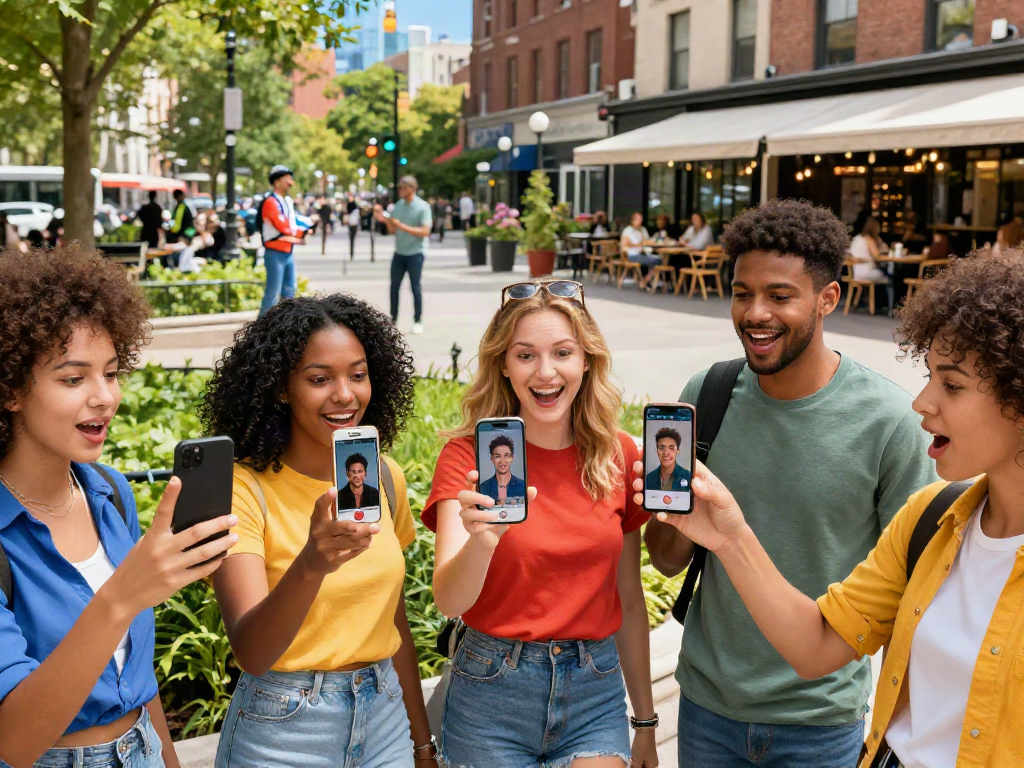
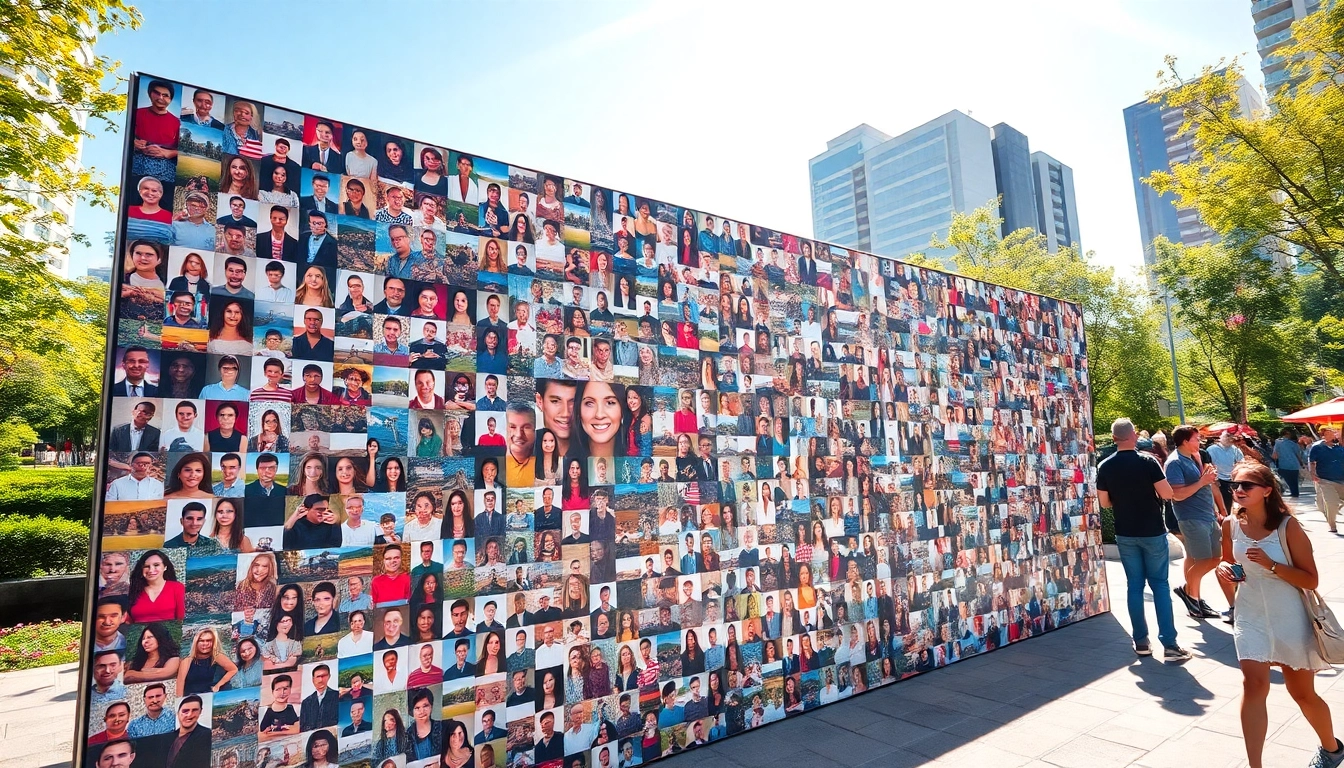
A selfie mosaic is an innovative art form that utilizes a collection of individual photos to create a larger image. More than just a compilation of moments captured in selfies, it represents a unique blend of personal memories, artistry, and digital technology. Each small photo, when viewed from a distance, contributes to a larger picture, often revealing intricate details that resonate with viewers on a personal level.
The History and Evolution of Mosaics
Mosaics have been a significant art form since ancient times, with origins traced back to the Mesopotamians and Greeks, who used stones and tesserae to create vibrant designs. This traditional practice has evolved dramatically, especially with the advent of digital technology. Digital mosaics, which are created using computer algorithms to arrange images based on color gradation and pixelation, have made it easier to replicate the technique using photographs, including the modern selfie mosaic.
Why Create a Selfie Mosaic?
Creating a selfie mosaic serves several purposes. Firstly, it allows individuals to commemorate significant events, gatherings, or milestones while adding a personal touch. The collective nature of the mosaic also encapsulates group dynamics and shared experiences, making it ideal for social events, weddings, or birthdays. Additionally, this art form can serve as an engaging decoration for homes or workplaces, drawing attention and sparking conversations.
Planning Your Selfie Mosaic Project
Choosing the Right Photos for Your Mosaic
Choosing the right photos is crucial for a successful mosaic. Opt for images that contribute to the overall theme or message you wish to convey. High-quality images, with clear focal points and vibrant colors, typically yield better results. Consider a mix of candid and posed shots, ensuring diversity in expressions and moments. Additionally, try to maintain a cohesive color palette to enhance the visual flow of the final mosaic.
Tools and Software Options for Making Your Mosaic
Numerous tools are available for creating selfie mosaics, ranging from user-friendly apps to professional software. Popular options include online platforms and mobile applications that offer customization features. For more advanced users, software like Photoshop or GIMP can provide greater control over the individual elements of the mosaic. Choose a tool that matches your skill level and desired output quality.
Determining the Ideal Size and Display Location
Before diving into the creation process, consider the final size of your mosaic and where it will be displayed. Large mosaics can serve as stunning focal points in living rooms or venues, while smaller versions can be perfect for desk displays or personal gifts. Plan the dimensions according to the available space and how you envision the mosaic being appreciated by viewers—closer views require more detail, while larger distances allow for more abstract interpretations.
Step-by-Step Guide to Creating Your Selfie Mosaic
Gathering and Organizing Your Photos
Start by gathering all the potential photos you wish to include. Use folders to categorize them by themes, events, or colors, allowing for efficient access. Consider using cloud storage for easy sharing and collaboration, especially if you're involving others in the project. A well-organized photo library helps streamline the design process, ensuring that you can curate the best selection without feeling overwhelmed.
Using Software to Design Your Mosaic
Once your photos are organized, it's time to input them into your chosen software. Begin by selecting the primary image you want your mosaic to represent. Most software allows you to adjust settings such as tile size, the number of images used, and color matching capabilities. Experiment with different layouts, as the algorithm can generate multiple configurations of the same photo set, enabling you to find the one that resonates most with your vision.
Printing and Assembling Your Mosaic
After finalizing the design on your computer, the next step is printing. Choose high-quality paper or canvas that complements your mosaic's aesthetic. If you're planning a large piece, consider professional printing services to ensure vibrant colors and lasting durability. Assemble your mosaic carefully, ensuring that all pieces align correctly. If you're mounting it on a wall, use the appropriate hanging hardware to provide stability.
Tips and Tricks for the Perfect Selfie Mosaic
Common Mistakes to Avoid
Even experienced creators can stumble upon common pitfalls when making mosaics. Avoid using low-resolution photos as they can disrupt the overall quality of the final product. Ensure you have a balanced spread of images for diverse representation; too many similar shots can flatten visual interest. Lastly, don't skip the planning stage. A well-thought-out design often leads to superior results compared to a spontaneous assembly.
Enhancing Base Images for Better Results
Before using images in your mosaic, consider enhancing them digitally. Use image editing tools to boost brightness, contrast, and saturation to make colors pop. Noise reduction and sharpening can also improve clarity. Each of these adjustments can help the individual tiles stand out while contributing to the overall aesthetics of the mosaic, resulting in a sharper and more visually appealing piece.
Creative Ways to Display Your Mosaic
After completing your selfie mosaic, think outside of traditional frames. Consider options like gallery wraps for a modern look, or use LED backlighting to create a stunning visual effect. You can also craft photo blocks by printing the mosaic onto wooden panels or canvas, which adds texture and depth. Alternatively, transforming your mosaic into merchandise like tote bags or pillows can provide a unique and functional way to showcase your artwork.
Frequently Asked Questions About Selfie Mosaics
How long does it take to create a selfie mosaic?
The time required varies significantly based on complexity and design preferences, typically ranging from a few hours to a couple of days, including planning, designing, and printing.
What type of photos works best for a selfie mosaic?
High-resolution and brightly colored images are ideal. A mix of expressions, angles, and backgrounds can provide diverse visual interest, enhancing the final output.
Can I create a selfie mosaic digitally?
Yes, many software programs allow for the creation of digital mosaics that can be displayed on screens, shared online, or printed as physical artworks later.
Is there a specific software recommended for beginners?
Beginners may find user-friendly online platforms and mobile apps like Mosaic Maker or Canva effective, as they offer intuitive interfaces and guided processes for creating mosaics.
What are the best ways to display my selfie mosaic?
Consider various display options like framed prints, canvas wraps, or even digital displays. Lighting can enhance visual impact, making indoor spaces more appealing.